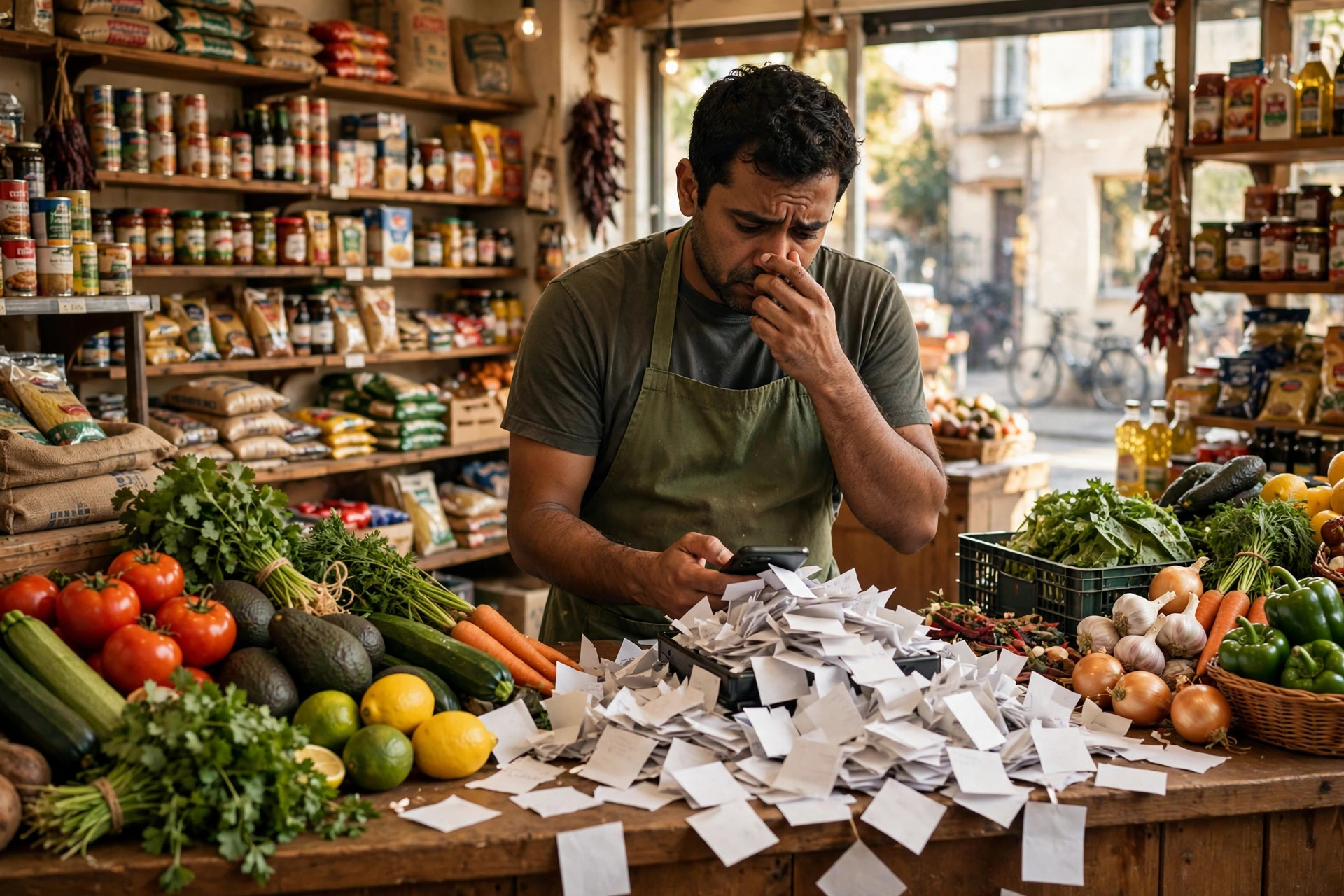
It is Saturday morning and your shop is packed. A regular is at the counter asking about the price of cooking oil. Your phone is buzzing on the shelf behind you: three grocery lists from customers who want home delivery, two 'are you open till late?' messages, and one photo of an empty milk carton with the caption 'same as last week'. You will read them all at closing time — and by then two of those customers have ordered from the big supermarket app instead. WhatsApp automation for grocery stores means an AI assistant that takes those lists in seconds while you serve the counter. It confirms each item, totals the bill, arranges delivery slots, and reminds regulars before they run out of the weekly essentials. For a neighbourhood grocery store, the best approach is WhatsApp ordering because your customers already message you on WhatsApp — they do not want another app, another account, another password. They want to send 'the usual' and have it arrive.
Watch it working for a grocery store:
Why the Grocery List Moved to WhatsApp
The paper list on the fridge is dying, and good riddance. Customers now photograph the empty packet, forward a voice note while cooking, or type '2kg rice, 1L milk, eggs' while standing in their kitchen. WhatsApp is where the list lives now — because it is instant, it is in their pocket, and there is no app to download.
The big supermarket apps know this, which is why they fight so hard for the delivery customer. But here is your advantage: you know your regulars by name. You know Mrs. Khan always buys the same brand of tea. The assistant remembers too — 'the usual' actually works in your shop, while the supermarket app starts from zero every time.
The painful truth is that every list you answer late is a basket the supermarket app wins. Customers do not wait for groceries the way they wait for other things — milk is needed today, not Thursday. Speed of confirmation is the entire game, and automation gives you instant confirmation without hiring anyone.
There is a second shift happening too: the weekly shop is fragmenting into smaller, more frequent orders. Customers no longer do one big weekly run — they order milk today, vegetables tomorrow, snacks on Friday. Each small order is a message, and each message is a chance to win or lose. A shop that answers every small order instantly becomes the default. A shop that answers slowly becomes the backup.
What WhatsApp Automation for Grocery Stores Actually Does
Think of it as your most reliable counter assistant — one who takes orders while you serve the queue, never mishears 'atta' as 'aata', and remembers every regular's usual list. It lives on your shop's WhatsApp number, the one half the neighbourhood already has saved.
- Takes grocery lists in chat — typed, photographed, or voice-noted — and confirms each item with prices.
- Totals the bill automatically and arranges delivery slots from your real schedule.
- Remembers regulars' usual orders, so 'the same as last week' just works.
- Answers 'do you have fresh...?' questions from your real stock list.
- Sends replenishment reminders before regulars run out of weekly essentials.
- Confirms delivery, collects feedback, and keeps the whole history in the chat.
Notice what is missing: it does not replace your shop, your freshness, or your relationships. It takes the ordering chaos off your shoulders so you can run the shop. The assistant handles the lists; you handle the produce.
How Does a Customer Send a Shopping List Over WhatsApp?
However they want — that is the beauty of it. Some customers type the list: '2kg basmati, 1L milk, dozen eggs, cooking oil 5L'. Some photograph the handwritten note on the fridge. Some send a voice note while cooking: 'bhai, same vegetables as Tuesday, and add tomatoes.' The assistant handles all three.
Here is the quotable truth: the best ordering system is the one the customer already uses. Nobody over fifty is downloading your new app, but everybody over fifty already has WhatsApp. Meet them where they are and the orders come to you instead of going to the supermarket.
For items that need a choice — which brand of rice, which size of oil — the assistant asks simply: 'We have X and Y — which one?' No long catalogues, no scrolling. Two options, one tap, done. And for the photo of the empty milk carton? The assistant recognises the product and adds 'the usual milk' to the list. That feels like magic to a busy parent.
Delivery Orders Without the Phone Chaos
Home delivery used to mean phone chaos: the phone ringing during the rush, the list misheard over the noise, the address scribbled on a paper bag that gets lost. Chat ends all of it. The order arrives as a clean list, the address is already saved, and the delivery slot is confirmed in writing.
The assistant offers real delivery slots from your schedule: 'Today between 5 and 7, or tomorrow morning — which suits?' The customer picks, the order is confirmed with the total, and your delivery person gets a tidy list with the address. No scribbles, no misheard items, no 'you said 2kg, I heard 5kg' arguments.
When the order is on its way, the customer gets a message: 'Your groceries are on the way — about 20 minutes.' That one message kills the 'where is my order?' calls. And after delivery, a simple 'All good?' collects feedback and keeps the relationship warm. ReplyPilot (AI automation for small-business messaging — WhatsApp, Instagram DM, website chat) can run this whole delivery flow in your shop's own tone, from list to doorstep.
Replenishment Reminders: The Milk-and-Eggs Effect
Every household buys the same things on the same rhythm: milk every two days, eggs weekly, rice monthly, cooking oil every six weeks. Your shop knows these rhythms — but you have never had a way to act on them. Until now.
The assistant watches each regular's pattern and sends one well-timed message: 'Running low on milk? Your usual 1L — want me to add it to today's delivery?' That message, sent the morning they were about to run out, is not marketing. It is service. And it wins the order before the customer even thinks of the supermarket.
The rule that keeps this welcome: one reminder per product per cycle, timed to the customer's actual rhythm. A milk reminder every two days is helpful. A milk reminder every day is harassment. The assistant knows the difference because it tracks the pattern. This is the highest-return message a grocery store can send — pure timing, zero discount needed.
How Do You Handle 'Do You Have Fresh...?' Questions?
'Do you have fresh coriander today?' 'Is the fish fresh?' 'When do the mangoes arrive?' These questions are the heartbeat of a fresh-produce shop — and they arrive all day, every day. The assistant answers from your real daily stock, which you update each morning in one message.
The morning routine is simple: you tell the assistant 'coriander yes, fish no, mangoes Thursday' — or update a small stock list — and every question for the rest of the day gets an honest answer. 'Fresh coriander arrived this morning. Fish comes in tomorrow — want me to reserve some for you?'
Honesty is everything here. A wrong 'yes' sends a customer across town for nothing, and they do not come back. The assistant must only answer from your real stock — never guess. When it does not know, it says 'Let me check with the shop and confirm.' That honesty is what makes customers trust the chat enough to order from it.
Why WhatsApp Beats a Fancy App for a Neighbourhood Store
App developers will tell you every shop needs an app. They are wrong for neighbourhood groceries. An app needs downloading, registering, updating, and remembering — four barriers between the customer and their milk. WhatsApp needs none of them. The customer already has it, already uses it, already trusts it.
There is a cost argument too. A custom app costs serious money to build and maintain. A WhatsApp setup costs a fraction and reaches every customer on day one. For a neighbourhood store, the maths is not close.
And the relationship argument is the strongest. Your customers message a person — you, the shopkeeper they know. An app makes them a user ID. WhatsApp keeps them a neighbour. The technology should disappear into the relationship, not replace it.
How Do You Win Back Customers Who Switched to the Supermarket App?
Want this for your grocery stores?
ReplyPilot builds a custom whatsapp automation setup for your grocery stores — answering customer questions instantly, taking orders and bookings, and handing off to you when a human is needed.
Ask on WhatsApp — it's freeYou have lost regulars to the big supermarket apps — every neighbourhood shop has. The good news: those customers are not loyal to the app. They are loyal to convenience. Give them the same convenience with a human face, and many come back.
The win-back message is simple and honest: 'We missed you — you can now order on WhatsApp just like the app, but with the fresh produce you actually like. Want your usual list set up?' No discount begging, no guilt trip. Just a better offer: app convenience plus shop quality.
The customers who return this way are often your most loyal ever — because they compared and chose you. One personal message to a lapsed regular beats ten generic promotions. Your assistant knows who went quiet and when; you write the message; the regulars come home.
Step-by-Step: Taking Orders in Chat
Step 1: Write your product list with prices — the everyday items, in the words customers use. Step 2: Set your delivery slots and areas — which neighbourhoods, which times, any minimum order. Step 3: Write your stock-update routine — how you tell the assistant each morning what is fresh and what is out. Step 4: Write your handoff rules — complaints, refund requests, anything odd goes straight to you.
Step 5: Run a quiet week with your best regulars. Let them order in chat while you watch and correct the tone. Step 6: Switch on replenishment reminders for your top twenty regulars. Step 7: Add the morning stock broadcasts — 'fresh fish today, mangoes Thursday' — to your opt-in list. By day thirty, the phone has gone quiet and the orders have gone up.
Start with your regulars, not strangers. They already trust you, they forgive early mistakes, and their feedback teaches the assistant your shop's language fast. New customers get a polished system; regulars get to feel like insiders. Everybody wins.
Payments in Chat: Keeping It Simple and Safe
Keep payments boring — that is a compliment. Cash on delivery, bank transfer to your shop's account, or a payment link for cards. The assistant confirms the total, offers the options, and records how the customer paid. No fancy integrations needed on day one.
The two rules that matter: never ask for card details in chat, and always confirm the total before delivery. 'Your total is £X — cash on delivery, or I can send a payment link. Which works?' Clear, simple, safe. Customers trust what they understand.
For regulars, keep it even simpler: a running tab settled weekly, confirmed in chat each time. 'This week's total is £X — same as usual?' Trust-based, neighbourly, and it keeps the regulars locked to your shop instead of drifting to the supermarket.
For shops that want it, the assistant can include a payment link in the confirmation message — one tap, paid, recorded in the chat. Cash, transfer, or link: the customer picks, the total is confirmed in writing, and there is never a 'but I thought it was...' moment at the door.
How Do Broadcasts Fill Baskets Without Annoying Anyone?
A morning message to your opt-in list — 'Fresh strawberries just arrived, mangoes Thursday, 10% off cooking oil this week' — can fill the day's baskets before the shutters are fully up. WhatsApp broadcasts are the neighbourhood notice board, delivered to the pocket.
The rule that keeps this welcome instead of spammy: only message people who said yes, and only about things worth their attention. Fresh arrivals, weekly offers, festival specials — not daily noise. Your broadcast list is an invitation list, not a megaphone. People open invitations; they mute megaphones.
Timing matters: send the morning stock news before the day's shopping decisions are made, not at midnight. One good broadcast beats five forgettable ones. And every broadcast should invite a reply — 'Reply FISH to reserve' — because replies become orders. The WhatsApp broadcast marketing playbook goes deeper on the timing and consent rules that keep broadcasts working.
Mistakes That Kill Grocery Automations
- Wrong stock answers — one 'yes' for an item you do not have sends a customer away for good.
- Forgetting the voice notes — half your customers order by voice; the setup must handle them.
- Spamming the broadcast list — daily messages get you muted; weekly highlights get you opened.
- Complicated ordering flows — three taps maximum from list to confirmation; every extra step loses orders.
- No handoff for complaints — a wrong item in the bag needs a human apology, fast.
- Launching without your real price list — a generic assistant in a grocery shop is obvious within two messages.
The pattern is always the same: treat the assistant as your best counter staff, not a gadget. Train it with your real products, your real prices, and your real tone. Shops that do this get an order-taking machine. Shops that skip it get an expensive toy.
Manual Phone vs Automation: A Simple Comparison
- Order accuracy | Phone: misheard items, lost scribbles | Automation: clean written lists, confirmed in chat
- Speed of confirmation | Phone: when you get a free moment | Automation: seconds, even mid-rush
- Regulars' usuals | Phone: in your head, sometimes forgotten | Automation: remembered perfectly, every time
- Replenishment | Phone: never happens | Automation: timed reminders, every cycle
- After-hours orders | Phone: missed | Automation: taken and queued for morning
- Best for | Phone: the personal chat at the counter | Automation: everything else
Most shops end up with the mix: the counter stays personal, the chat handles the orders. One saved regular per week — the one who would have drifted to the supermarket app — covers the running cost many times over. Similar order-flow thinking works for pharmacies and e-commerce stores, which run the same list-to-doorstep logic.
Measuring What Matters (Beyond 'Orders Taken')
Vendors will show your store message counts and call it success. A grocery store should watch four numbers. First, orders per week from chat — the only number that pays. Second, average basket size — it should grow as the assistant suggests the forgotten items. Third, regular retention — what share of last month's regulars ordered again. Fourth, delivery complaints — they should stay near zero.
A 100% 'reply rate' with shrinking baskets is a vanity metric. Check your store's four numbers every Sunday. If orders and basket size are climbing, the automation is doing its job. If not, the problem is almost always the product list or prices you fed it — fix the brain, not the tool.
Staying Ban-Proof for Grocery Stores: The Rules That Matter
WhatsApp protects its users from spam, and your shop's number is your lifeline, so the rules are not optional. Only message people who contacted your store first or explicitly opted in. Order confirmations and delivery updates to existing customers are fine. Cold promotional blasts are not.
The practical version: never bulk-message cold numbers, never buy contact lists, and give every broadcast a clear way to stop. A customer who opts out gracefully still buys from your counter. One shopper reporting you as spam can cost you the number. Meta's WhatsApp Business Platform documentation lays out the rules, and this analysis of WhatsApp grocery checkout in Southeast Asia shows how seriously the big players take chat commerce — the neighbourhood store can play the same game.
Festival Seasons: Your Busiest Weeks, Handled
Festival seasons are a grocery store's harvest time — and its chaos time. Orders triple, the phone never stops, regulars want special items, and you are run off your feet. This is exactly when automation pays for itself in a single week.
Before the season, the assistant sends your opt-in list the festival catalogue: special sweets, gift hampers, bulk packs, advance-booking slots. Customers order in chat over two calm weeks instead of crushing your counter in three frantic days. Your busiest season becomes your most organised one.
During the season, the assistant handles the flood: order confirmations, delivery slots, 'is my hamper ready?' questions — all answered in seconds while you manage the floor. After the season, a thank-you message with the next festival's early-bird list keeps the cycle turning. Chaos becomes a system, and the system becomes revenue.
The Counter Stays Yours
Nothing in this article replaces the thing that makes your shop special: you, the fresh produce, the neighbourly chat at the counter. The automation handles the lists, the confirmations, the reminders — the invisible work that used to drown you. You keep the visible work: the quality, the smile, the 'how is the family?'
If you want the ordering flow without building it yourself, ReplyPilot sets it up around your product list, your delivery slots, and your regulars — you approve the tone before it takes a single order.
The shops winning this game are not the most technical — they are the ones whose customers feel looked after. Write down your products and prices, teach the assistant your regulars' rhythms, and let it take the orders while you serve the counter. If you want this running before the next busy season, request a free custom demo at https://replypilot-site.vercel.app/ and see your own shop's lists handled live.
Frequently Asked Questions
How do customers place a grocery order on WhatsApp?
However they like: type the list, photograph the handwritten note, or send a voice note. The assistant confirms each item with prices, totals the bill, and offers real delivery slots. Three taps from list to confirmed order — no app, no account, no password.
Can it remember my regular customers' usual orders?
Yes — that is one of its best features. When a regular messages 'the same as last week', the assistant pulls their last order, confirms it, and books it. Regulars feel remembered, and remembered customers do not drift to the supermarket.
What if a customer complains about a wrong item?
The assistant apologises, logs the complaint, and hands over to you immediately with the full order attached. Complaints need a human — a quick personal fix turns an angry customer into a loyal one. The chat history means you never have to ask 'what was the order?'
How do replenishment reminders work?
The assistant learns each regular's buying rhythm — milk every two days, eggs weekly — and sends one well-timed message before they run out: 'Running low on milk? Want me to add your usual 1L to today's delivery?' One reminder per product per cycle: helpful, never spammy.
Do I need a separate app or website for this?
No. Everything happens inside WhatsApp, on the number your customers already message. No app to build, no website to maintain, no new habits for your customers to learn. The barrier between 'I need milk' and 'order placed' drops to one message.
How much does WhatsApp automation cost for a grocery store?
Two cost pieces for a grocery store: the platform's monthly plan for the assistant, and per-message fees for business-initiated WhatsApp conversations. Both are small next to a week of grocery baskets. One retained regular per week covers the running cost many times over.