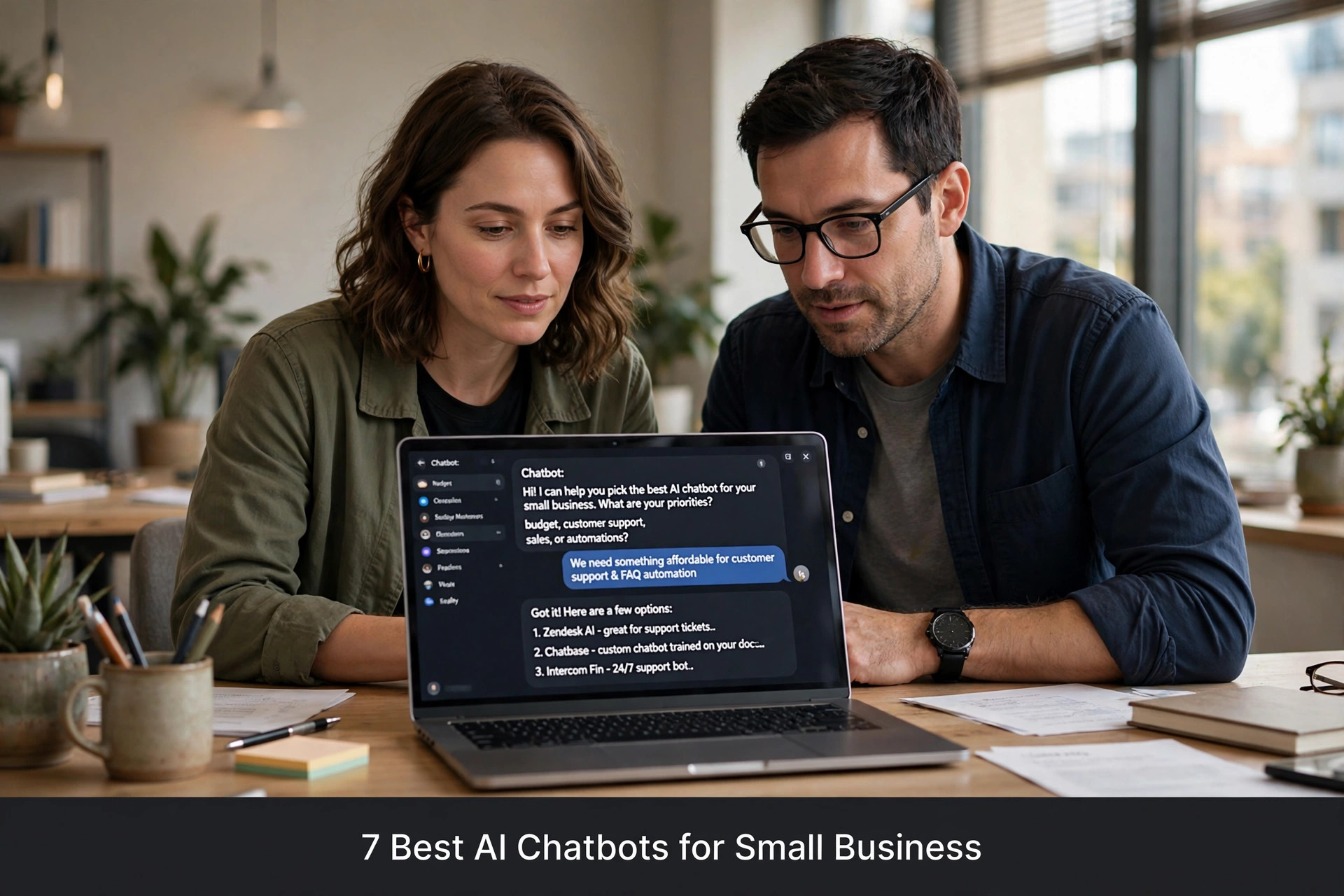
Search "best AI chatbot for small business" and you will find a dozen listicles. Here is the problem: almost every one is written by a company selling a chatbot. Their product is always number one, their competitors' weaknesses are magnified, and the "comparison" is a sales page wearing a trench coat. This article is different. Nobody paid for placement here. We compare seven serious options - including honest notes on who each one is wrong for - so you can pick the right tool for your actual business instead of the one with the biggest marketing budget. Bookmark this page; you will want it open when the sales calls start.
How We Evaluated (So You Can Trust This)
Every chatbot below was judged on the same six criteria that matter to small businesses. One: ease of setup - can a non-technical owner get it working in days, not months? Two: conversation quality - does it actually understand customers, or does it collapse into "I didn't understand that" loops? Three: channels - does it work where your customers are (website, WhatsApp, Instagram, Facebook)? Four: integrations - does it connect to your calendar, CRM, or booking system? Five: honest pricing - what does it really cost at small-business scale, including the gotchas? Six: support - when something breaks, does a human help you?
We did not accept payment, sponsorship, or free-forever deals for placement. Where we have direct experience with a category - for example WhatsApp automation for restaurants or AI chatbots for dental clinics - we say so. Where we are summarising public documentation and user reviews, we say that too. Rankings reflect fit for typical small businesses, not enterprise feature lists. And we name who each tool is wrong for, because a recommendation without a warning is just an advertisement.
1. The All-Rounder: Best for Most Small Businesses
The safest pick for most small businesses is a general-purpose AI chatbot platform with a visual builder, multi-channel support, and sensible pricing. These platforms let you build one chatbot brain and deploy it on your website, WhatsApp, Instagram DMs, and Facebook Messenger simultaneously. Setup is genuinely no-code: you type your business info, upload FAQs, connect your calendar, and the bot starts answering. Conversation quality is strong for common small-business scenarios - bookings, FAQs, lead qualification - because the underlying language models are the same ones powering the best-known AI assistants.
Who should pick it: service businesses, clinics, home services, and retailers who need one bot across several channels. Who should skip it: businesses that need deep custom development or highly specialised compliance features - you will outgrow a generalist eventually, and that is fine. Typical pricing lands in the tens of dollars per month for small-business tiers, scaling with conversation volume. Watch for: per-message overage charges that can surprise high-volume businesses, and check whether WhatsApp API costs are bundled or billed separately.
2. The WhatsApp Specialist: Best for WhatsApp-First Businesses
If ninety percent of your customer conversations happen on WhatsApp - common for boutiques, restaurants, clinics, and home services in many markets - a WhatsApp-native platform beats a generalist. These tools are built around the WhatsApp Business API from the ground up: shared team inboxes, broadcast campaigns with template management, catalogue integration, and chatbot flows designed for the messaging interface. The setup guides assume WhatsApp-first, and the analytics show message-level detail like read rates and template performance.
Who should pick it: any business where WhatsApp is the primary customer channel. Who should skip it: businesses whose customers mainly use the website or phone - you would be paying for WhatsApp depth you do not need. Pricing is usually a platform fee plus Meta's per-conversation charges; total cost for a typical small business stays modest. Watch for: template approval friction - WhatsApp's rules are strict, and a provider with good template guidance saves real headaches. Our full WhatsApp Business API setup guide walks through what the onboarding actually involves.
3. The Website Lead Machine: Best for Capturing Website Visitors
Some chatbots are optimised for one job: turning website visitors into leads. These live on your site as a chat widget, greet visitors with smart triggers (time on page, scroll depth, exit intent), qualify them with a few questions, and book them into your calendar or hand them to your sales team. They integrate deeply with CRMs and email tools, so every conversation becomes a contact record automatically. If your website gets decent traffic but few inquiries, this category often pays for itself fastest.
Who should pick it: businesses with websites that get traffic - agencies, clinics, real estate, professional services. Who should skip it: businesses with almost no website traffic; fix the traffic problem first, because a lead bot with no visitors is decoration. Pricing is usually per-seat or per-lead-volume. Watch for: the "AI" label on what is really a decision-tree bot. Ask for a live demo conversation before buying - if it cannot handle an unexpected question gracefully, it is not really AI.
4. The Instagram DM Automator: Best for Social Sellers
If your customers find you on Instagram and buy through DMs - boutiques, salons, fitness coaches, creators - you need a tool built for Instagram's specific mechanics: story-mention auto-replies, comment-to-DM triggers, keyword auto-responses. General chatbots treat Instagram as an afterthought; specialists treat it as the main event. The best ones handle the "comment LINK and I'll DM you the link" flow that drives enormous engagement, plus FAQ automation for the repetitive "price?" and "location?" DMs.
Who should pick it: Instagram-native businesses doing real DM volume. Who should skip it: businesses whose customers are not on Instagram - obvious, but people buy these tools on hype and regret it. Pricing is usually flat monthly, refreshingly simple. Watch for: Instagram's automation rules change periodically; pick a vendor with Meta Business Partner status rather than a grey-area tool that might get your account restricted. See how this works in practice in Instagram DM automation for salons.
5. The Voice AI: Best for Phone-Heavy Businesses
The newest category - and the fastest growing in 2026 - is voice AI: systems that answer your business phone calls, hold natural conversations, and book appointments. If your customers call more than they message, this beats every text chatbot on the list. The technology crossed a quality threshold recently: natural voices, interruption handling, multi-language support. Plumbers, clinics, law firms, and home services companies are the natural fit - anywhere the phone is the front door.
Who should pick it: phone-heavy businesses missing calls today. Who should skip it: businesses where customers rarely call - a voice AI with no callers is an expensive ornament. Pricing is usually per-minute or per-call plus a platform fee; model your cost against your actual call volume, not the vendor's rosy example. Watch for: voice quality varies enormously between providers - always do a live test call before committing. Also check how the system handles the tricky moments: a caller who rambles, a bad connection, someone who switches languages mid-sentence. The providers worth paying for handle these gracefully; the cheap ones fall apart. Our deep dive on AI phone receptionists for small business covers the full evaluation.
6. The Developer Platform: Best for Custom Builds
If you have technical skills - or a developer on call - building on an AI developer platform gives you maximum control. You get the raw language model plus tools for retrieval, function calling, and integrations, and you build exactly the assistant your business needs. This is the right choice for unusual workflows, deep system integrations, or businesses that want to own their AI outright rather than rent it. The ceiling is higher than any no-code tool.
Who should pick it: technical founders, agencies building for clients, businesses with genuinely unique requirements. Who should skip it: everyone else - and that is most small businesses. The floor is also lower: a bad custom build is worse than a good off-the-shelf bot, and maintenance is forever. Pricing is usage-based and can be very cheap at small scale, but budget for development time honestly. Watch for: the hidden cost is not the API, it is the weeks of building and the ongoing maintenance when models update.
Want this for your business?
ReplyPilot builds a custom ai chatbot setup for your business — answering customer questions instantly, taking orders and bookings, and handing off to you when a human is needed.
Ask on WhatsApp — it's free7. The Automation Glue: Best for Connecting Everything
The last category is not a chatbot at all - it is workflow automation that makes your chatbot smarter. Tools like n8n connect your chatbot to everything else: when the bot books an appointment, the automation adds it to your CRM, sends a confirmation, notifies your team, and schedules a reminder. Without this glue, chatbots become isolated islands - they chat, but nothing else happens. With it, one conversation triggers your whole business process.
Who should pick it: businesses already running a chatbot that feels disconnected, or anyone planning a serious automation setup from the start. Who should skip it: businesses with simple needs - if all you want is FAQ answering, you do not need workflow automation yet. Pricing ranges from free self-hosted tiers to modest cloud subscriptions. Watch for: complexity creep - automate the highest-value workflow first, prove it works, then expand. Our n8n WhatsApp automation tutorial shows a complete build in 30 minutes.
Quick Comparison Table
- All-rounder chatbot platform: best for most; multi-channel; tens of dollars/month; watch per-message overages.
- WhatsApp specialist: best for WhatsApp-first; deep API features; platform fee + Meta charges; watch template friction.
- Website lead bot: best for site traffic conversion; CRM integrations; per-seat pricing; verify it is really AI.
- Instagram DM automator: best for social sellers; comment-to-DM flows; flat monthly; need Meta partner status.
- Voice AI receptionist: best for phone-heavy; natural calls 24/7; per-minute pricing; always test-call first.
- Developer platform: best for custom builds; maximum control; usage-based cheap; hidden cost is build time.
- Automation glue (n8n etc.): best for connecting systems; workflow triggers; free to modest; avoid complexity creep.
How to Choose in 15 Minutes
Answer three questions and the choice becomes obvious. One: where do your customers contact you most - website, WhatsApp, Instagram, or phone? Pick the category that matches your dominant channel; a brilliant tool on the wrong channel is useless. Two: what is the one job you need done - answering FAQs, booking appointments, capturing leads, or handling calls? Match the tool's strength to your top pain, not its longest feature list. Three: who will maintain it? A no-code platform you can tweak yourself beats a custom build you cannot touch, for most owners.
Then do the one thing most buyers skip: the live test. Every serious vendor offers a trial or demo - use it with real scenarios from your business, not the vendor's scripted happy path. Ask the weird question your customers actually ask. Call the voice AI from a noisy street. Send the WhatsApp bot a message with typos. The tools that survive your real world are the ones worth paying for. And start with a monthly plan, always - the right tool earns the annual commitment after three good months, not before. Bring one sceptical team member into the test, too. The person who will actually use the system daily spots problems the buyer misses, and their buy-in decides whether the tool gets used or gathers dust.
The Honest Truth About "Best" Lists
Here is what the vendor-written lists will not tell you: there is no single best chatbot, only the best fit for your situation. The all-rounder that is perfect for a dental clinic is overkill for a food truck; the Instagram specialist that transforms a boutique is useless for a law firm. Anyone selling you "the best" without asking about your business is selling, not advising. The second truth: the tool matters less than the setup. A mid-tier chatbot trained carefully on your real FAQs, with clean escalation rules and reviewed weekly, will outperform a premium platform configured sloppily every time.
The third truth is about timing. If you are choosing your first chatbot, prioritise ease of setup and good support over advanced features - you can migrate later once you know what you actually need. Businesses that start simple, learn what works, and upgrade deliberately end up with better systems than those that buy the enterprise platform on day one and drown in configuration. Start where your customers are, solve your biggest pain first, and let the system grow with you. That is the whole strategy, and it beats any ranked list. Print that sentence and tape it to your monitor before you start comparing feature tables.
Red Flags: When to Walk Away
Some warning signs should kill a deal immediately, no matter how slick the demo. The biggest: no live trial. Any vendor confident in their product lets you test it with your real business for at least a week or two. "Our sales team will show you a demo" without hands-on access means they are hiding something - usually that the setup is painful or the AI is mediocre. The second red flag: pricing you cannot understand. If you need a spreadsheet and three calls to figure out what you will actually pay, the vendor is designing confusion. Honest pricing fits on one page.
Third: the vendor cannot show you a real customer in your industry. Every chatbot company has a logo wall; ask to speak to one actual small business owner using it daily, not an enterprise case study from three years ago. Fourth: data lock-in. Ask "if I cancel, do I keep my conversation history and training data, and in what format?" If the answer is vague, you are building on rented land with no moving van. Fifth: the contract. Annual-only billing for an unproven tool is the vendor transferring all the risk to you. Monthly billing for the first quarter is the fair deal - and confident vendors agree to it.
One more subtle flag: the vendor badmouths competitors instead of explaining their own strengths. Mature companies describe what they do well and where they are not the best fit. Companies that spend the demo trashing rivals are usually compensating. And be deeply sceptical of any "AI" that cannot show you an unscripted conversation. Ask the salesperson to type something unexpected into the demo bot right now, in front of you. The good ones smile and do it. The bad ones change the subject.
Switching Later: How Locked In Are You?
A question buyers forget to ask: what happens when you outgrow your first chatbot? The honest answer is that switching costs are real but manageable if you plan for them. Your conversation flows, FAQs, and training data represent weeks of work - and some platforms make exporting them deliberately hard. Before you sign anything, ask exactly what you can export and in what format. Standard formats like CSV for FAQs and documented APIs for conversation logs mean you own your work. Proprietary formats mean you are starting over.
The practical strategy: keep your core knowledge base - FAQs, service descriptions, pricing, policies - in a document you control, not just inside the chatbot platform. Then every platform is just a new interface on the same knowledge. When you switch, you re-import rather than rewrite. Businesses that do this can change platforms in a weekend; businesses that built everything inside one vendor's editor face a painful rebuild. This is also why starting simple is smart: your first chatbot teaches you what you actually need, and the second one - if you ever need it - benefits from everything you learned.
What If You Pick Wrong? The Migration Question
Here is the fear nobody says out loud: what if I spend three months training a chatbot and then realise I picked the wrong one? It is a fair worry, and the answer is reassuring — switching is annoying, not catastrophic, if you set yourself up right from day one.
Keep your business knowledge — FAQs, service descriptions, prices, policies — in a plain document you control, not only inside the chatbot's editor. Then the chatbot is just an interface reading your document. If you ever switch platforms, you hand the new one the same document instead of rewriting everything from memory. Owners who do this can migrate in a weekend; owners who built everything inside one vendor's tool face weeks of rebuilding.
Also export your conversation history monthly. Most decent platforms let you download chat logs as CSV. Those logs are gold — they show exactly what your customers ask, which becomes the training data for whatever you use next. Your first chatbot is really a research project disguised as a purchase: it teaches you what your customers actually want, and that knowledge transfers to any platform. So pick the best fit you can today, keep your data portable, and stop worrying about being trapped.
Frequently Asked Questions
What is the best AI chatbot for a small business in 2026?
There is no single best - it depends on your main customer channel. WhatsApp-first businesses should pick a WhatsApp specialist; phone-heavy businesses should look at voice AI; Instagram sellers need DM automation; website-driven businesses need a lead-capture bot. Match the tool to where your customers actually contact you, and start with a monthly plan.
How much should a small business pay for an AI chatbot?
Most small businesses land between twenty and a hundred dollars per month all-in, depending on channel and volume. WhatsApp adds Meta's per-conversation charges; voice AI charges per minute. Be wary of per-message overages and long contracts - start monthly, and make the tool earn an annual commitment after three good months.
Can one chatbot work on my website, WhatsApp and Instagram at the same time?
Yes - general-purpose platforms deploy one chatbot brain across website, WhatsApp, Instagram DMs and Facebook Messenger simultaneously. Specialists go deeper on one channel but narrower overall. If your customers are spread across channels, a multi-channel platform is usually the right starting point.
Will an AI chatbot replace my receptionist or sales staff?
It replaces the repetitive parts of their job - answering the same questions, booking routine appointments, capturing basic lead info - not the human judgment parts. The best setups are AI plus human: the bot handles the 80% that is routine, and your team handles the 20% that needs a person. Staff usually end up less stressed, not replaced.
How do I know if a chatbot is actually good before buying?
Run a live test with your real scenarios - not the vendor's demo script. Ask the weird question your customers actually ask, test it with typos, call the voice version from a noisy street. Check whether it hands over gracefully when stuck. And confirm the pricing at your actual volume, including any per-message or per-minute charges, before you commit.